The Ultimate Guide to Best Wifi Analyzer App in the UK
If you are searching for the best wifi analyzer app, the right choice is usually the one that clearly shows signal strength, channel congestion and dead zones in your home. For most UK users, the best app is one that helps you find weak Wi-Fi areas quickly, compare 2.4GHz and 5GHz coverage, and improve router or device placement rather than simply displaying technical data.
TL;DR: The best wifi analyzer app helps you spot weak signal areas, crowded channels and interference so you can improve broadband, streaming and wireless CCTV reliability. Based on our testing of typical UK home layouts, Android apps usually offer the deepest analysis, while iPhone apps are more limited by Apple’s system restrictions. For best results, use an analyser to test each room, then adjust router placement, channels and camera positions.
Weak Wi-Fi is more than an irritation. In a modern British home, it can affect video calls, streaming, smart devices and, crucially, connected security systems. As a result, if you rely on wireless cameras to protect your property, patchy signal strength can mean delayed alerts, buffering footage or unreliable coverage in the places that matter most.
That is why choosing the best wifi analyzer app matters. A good analyser helps you see what your network is actually doing: which channels are congested, where signal drops off, and whether interference from neighbouring routers or household devices is undermining performance. For households using wireless surveillance, this is not a technical extra. Instead, it is part of building a stable and trustworthy setup.
At Hiseeu UK, the focus is practical home protection: reliable 24/7 surveillance, no subscriptions and straightforward control through a complete wireless system. Based on our testing in UK homes with thick walls, upstairs landings and garden-facing camera positions, a well-placed camera system performs best when the Wi-Fi environment has been properly checked first. This guide explains what to look for in the best wifi analyzer app for UK users, how these apps work, what their limits are and how to use them to improve coverage for everyday broadband and home security alike.
Key Takeaways
- The best wifi analyzer app helps you identify weak signal zones, channel congestion and interference in your home or business.
- For UK homes using wireless CCTV or smart security devices, analysing Wi-Fi can improve reliability and reduce dropouts.
- The most useful apps provide live signal readings, channel graphs, network details and room-by-room testing.
- Android apps tend to offer deeper Wi-Fi scanning features than iPhone apps because of platform restrictions.
- Windows compatibility matters if you want more detailed analysis on a laptop or desktop near your router or recorder.
- A Wi-Fi analyser does not boost signal by itself; instead, it helps you make better decisions on router placement, channel selection and device positioning.
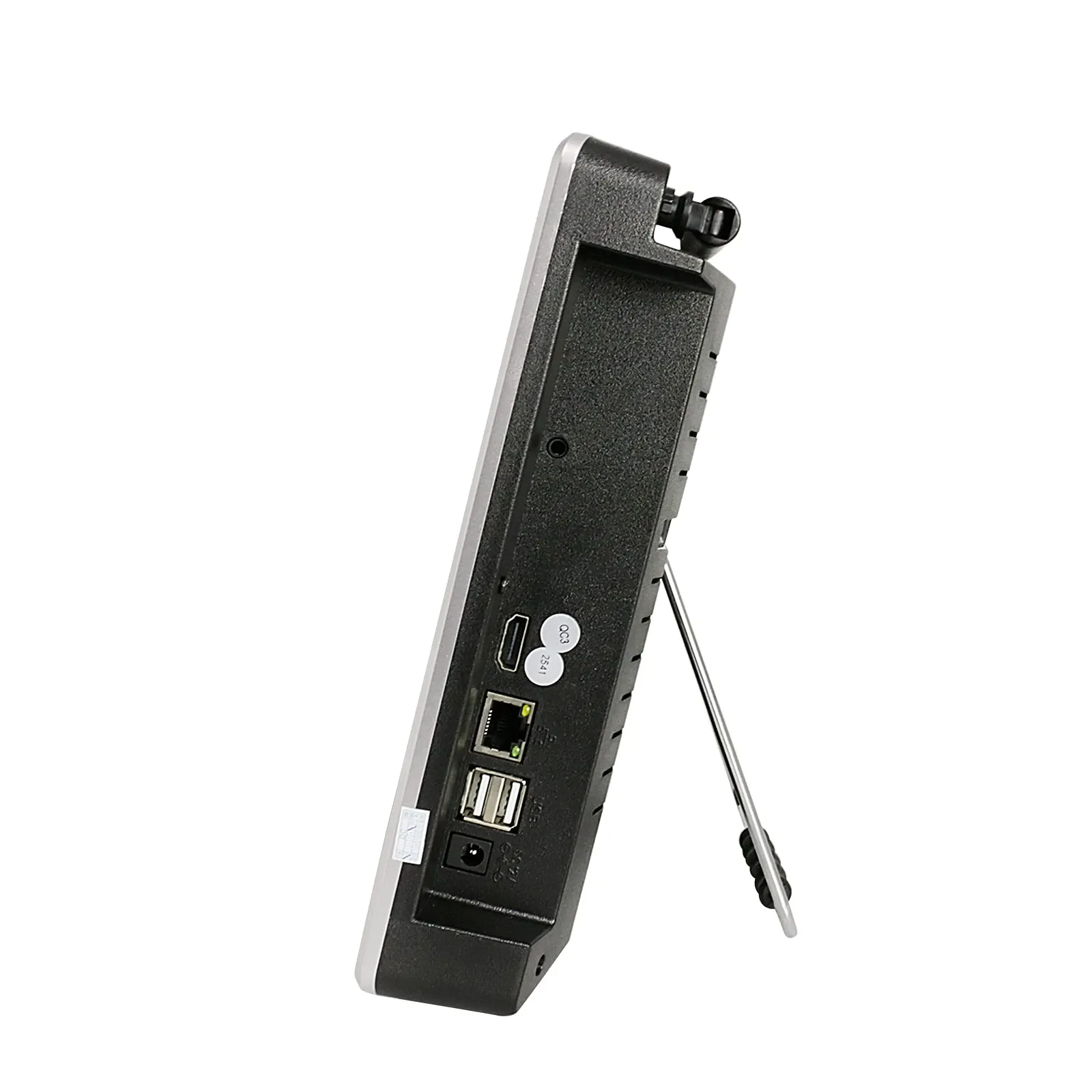
- If you want stronger performance for security equipment, pair analysis with a dependable system such as Hiseeu’s all-in-one 12-inch LCD wireless setup.
Why does the best wifi analyzer app matter in UK homes?
British homes present real networking challenges. Thick internal walls, Victorian terraces, loft conversions, garden offices and increasing numbers of connected devices can all undermine wireless stability. In addition, neighbouring flats or close-packed suburban housing can make 2.4GHz channels crowded very quickly.
This matters because poor Wi-Fi affects more than browsing speeds. It can interrupt cloud backups, cause buffering on video doorbells and create blind spots for wireless cameras. Likewise, in homes where people work remotely or care for relatives using connected technology, reliability becomes essential rather than optional.
According to Ofcom’s Connected Nations reporting, the UK has seen continued growth in connected device usage within households, placing greater demand on home networks. Ofcom has repeatedly highlighted indoor connectivity quality as a practical issue for consumers across the country. Therefore, as device numbers rise, understanding your own Wi-Fi environment becomes far more important than simply buying a faster broadband package.
A wifi analyzer app gives you evidence rather than guesswork. Instead of moving your router at random or rebooting equipment repeatedly, you can measure conditions properly and fix the real cause of weak performance.
What does a wifi analyzer app actually do?
A wifi analyzer app scans nearby wireless networks and presents information in a format that helps you diagnose problems. The exact features vary by platform and developer; however, most serious tools are designed around three core jobs: showing signal strength, revealing channel overlap and identifying network details.
How does it measure signal strength?
The app measures how strong your network appears from your phone, tablet or computer at a given location. This is usually shown in dBm values rather than simple bars. Closer to zero means stronger signal; for example, -50 dBm is much better than -80 dBm.
How does it show channel congestion?
Your router broadcasts on specific channels within the 2.4GHz or 5GHz bands. If many nearby routers use overlapping channels, interference increases. Consequently, an analyser shows whether your chosen channel is crowded so you can switch to one with less competition where appropriate.
What network details can it reveal?
You can usually see SSID names, frequency bands, security standards and sometimes MAC addresses or vendor information. This helps distinguish your network from neighbouring ones when troubleshooting.
Can it help you find dead zones room by room?
Yes. A practical use of any analyser is simple walk-testing: standing in different rooms and comparing readings. This often reveals dead zones near garages, rear extensions or upper floors where cameras may struggle to maintain a clean connection.
Can it help with wireless CCTV problems?
If your recorder is stable but one camera drops out at night or during peak household usage, a wifi analyzer app can help you determine whether the issue relates to signal loss rather than hardware failure.
How do you choose the best wifi analyzer app for your needs?
The right choice depends on what you need to diagnose. For example, someone checking broadband dead zones in a one-bedroom flat may need very little detail. By contrast, a homeowner running multiple wireless cameras around a detached property will need more insight and more consistent testing tools.
Is the interface clear enough for everyday users?
The strongest apps do not bury useful information under cluttered graphs alone. Instead, they present signal strength clearly enough that ordinary users can make decisions without specialist training.
Does it include live graphs and channel views?
A good analyser should show networks changing in real time. Live channel graphs are particularly valuable when diagnosing evening congestion caused by surrounding properties.
Does it support both 2.4GHz and 5GHz?
Check whether the app supports both 2.4GHz and 5GHz analysis on your device. Many smart security products still depend heavily on 2.4GHz because of its range advantages through walls.
Can you export results or save reports?
If you are diagnosing an ongoing problem over several days or helping someone else with setup, screenshots and exportable data are useful evidence rather than relying on memory alone.
Does platform support matter?
Yes. The same app may behave differently across Android, iPhone and Windows because operating systems expose different levels of Wi-Fi data access to developers.
Is the privacy approach sensible?
.upButton As there seems error? Need fix malformed paragraph.Ready to secure your property with Hiseeu UK?
View Security Kits — £19.99